
D.S.B Guide
D.S.B Boot, the free boot menu. HS Tools for a stock Sample. And who else is building for this machine, because I'm one of many.
D.S.B Boot
FreeHardware tested 18 Nov 2026One machine. Multiple setups. A menu on the Sample's screen before anything starts. Run any OS built for the Sample from one card, or stay stock with three of my effects.
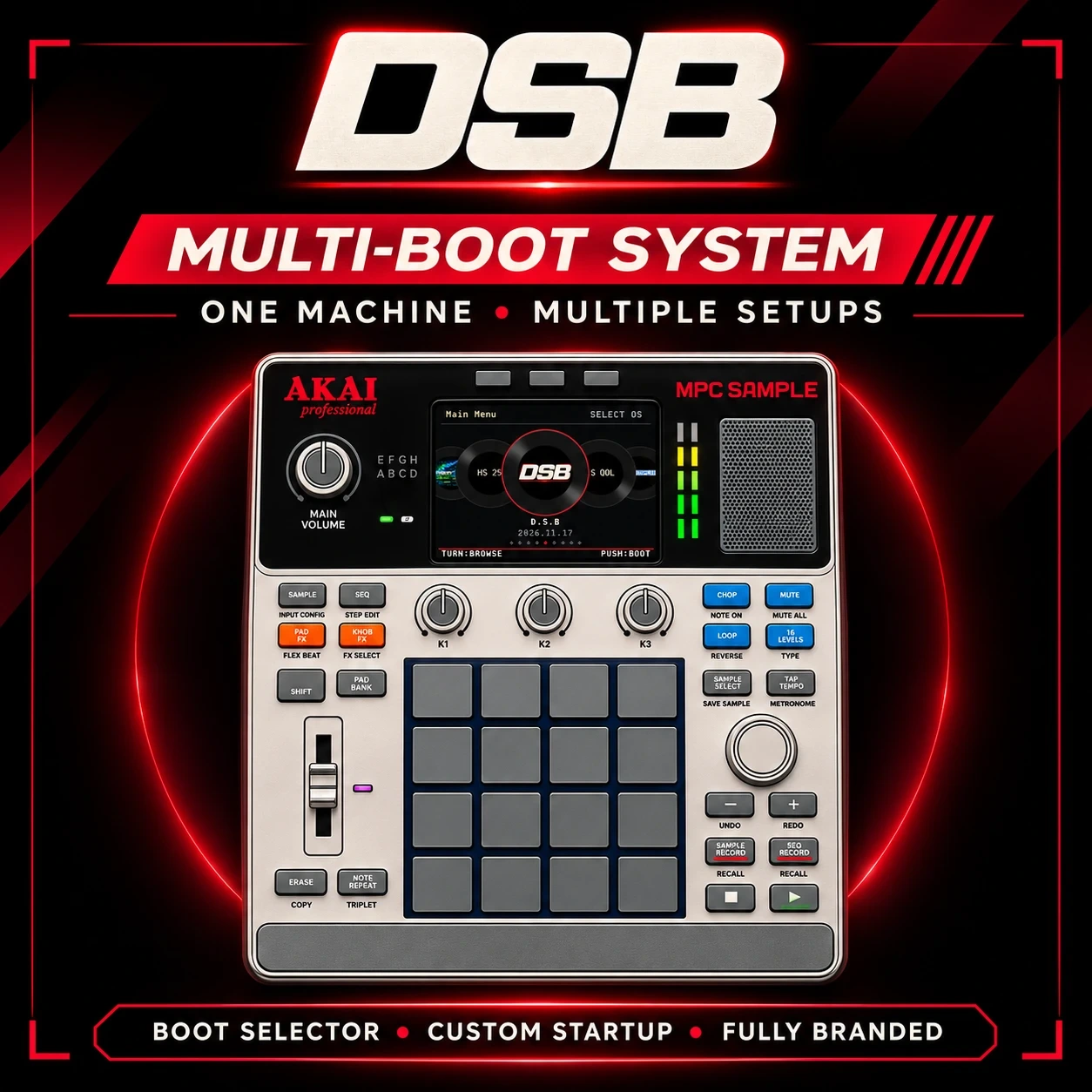
What's on the menu
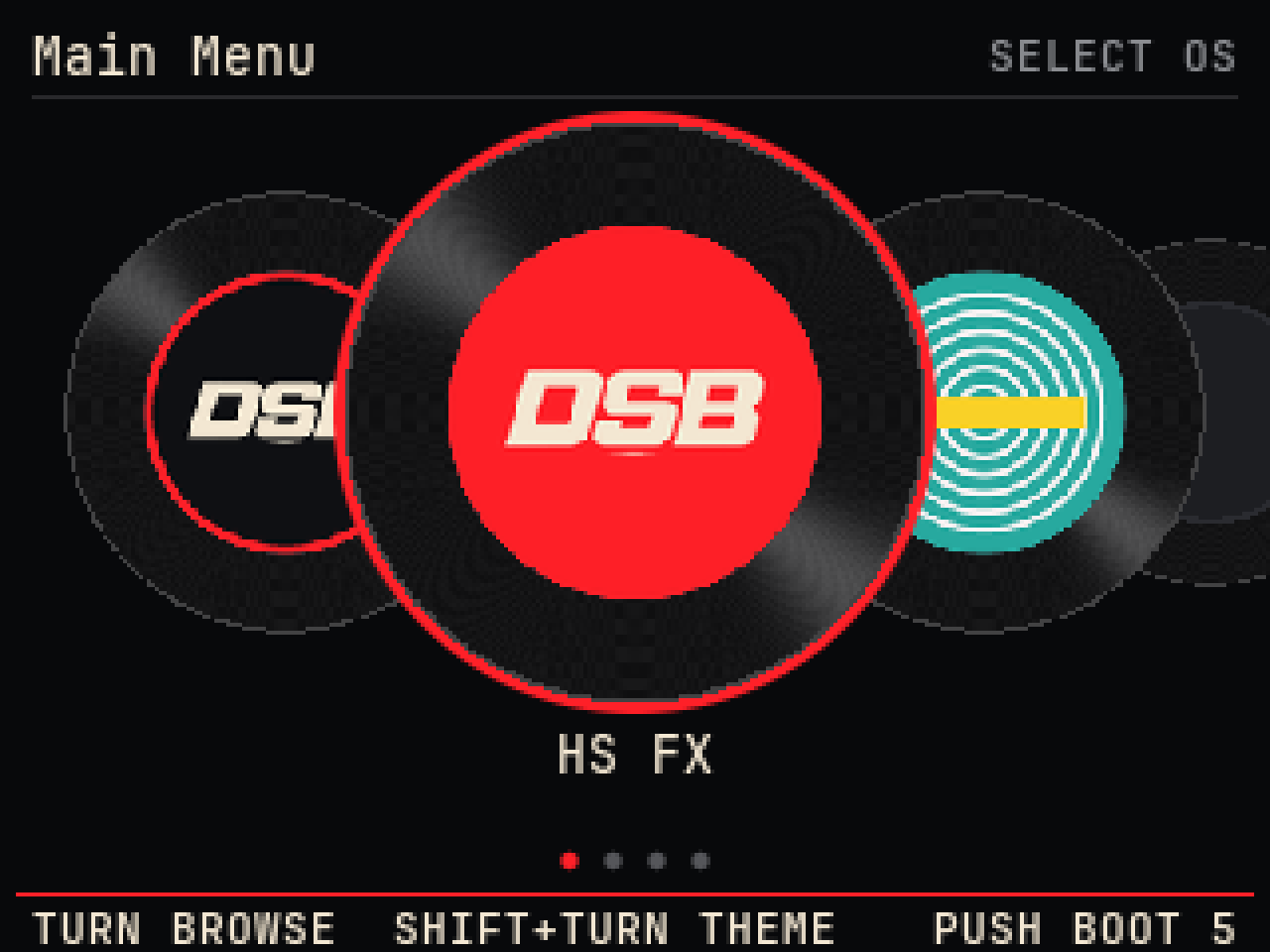
Records theme
Each system is a record. Turn to browse, push to boot.
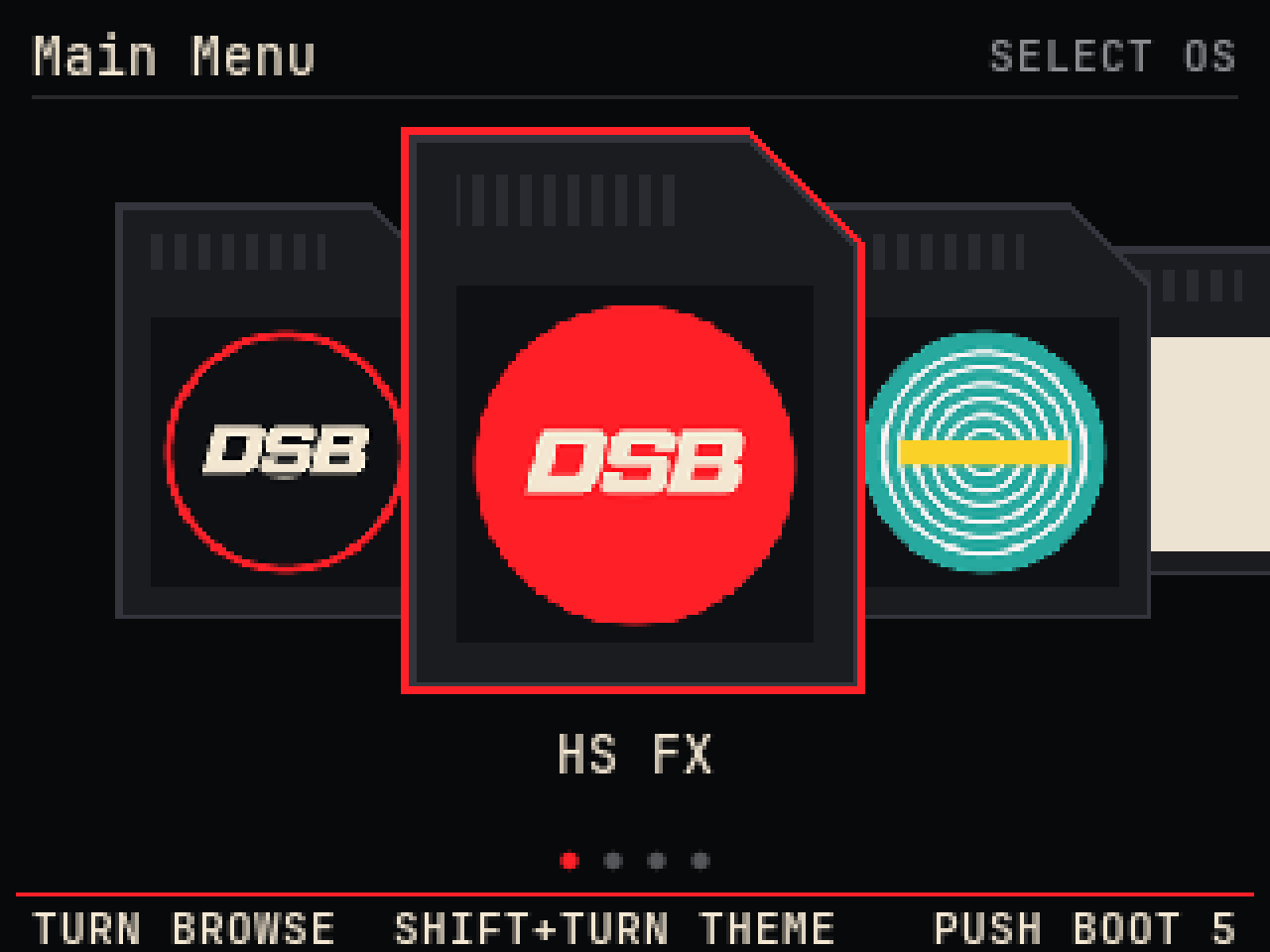
SD card theme
The same menu with each system as a card. SHIFT + turn switches theme.
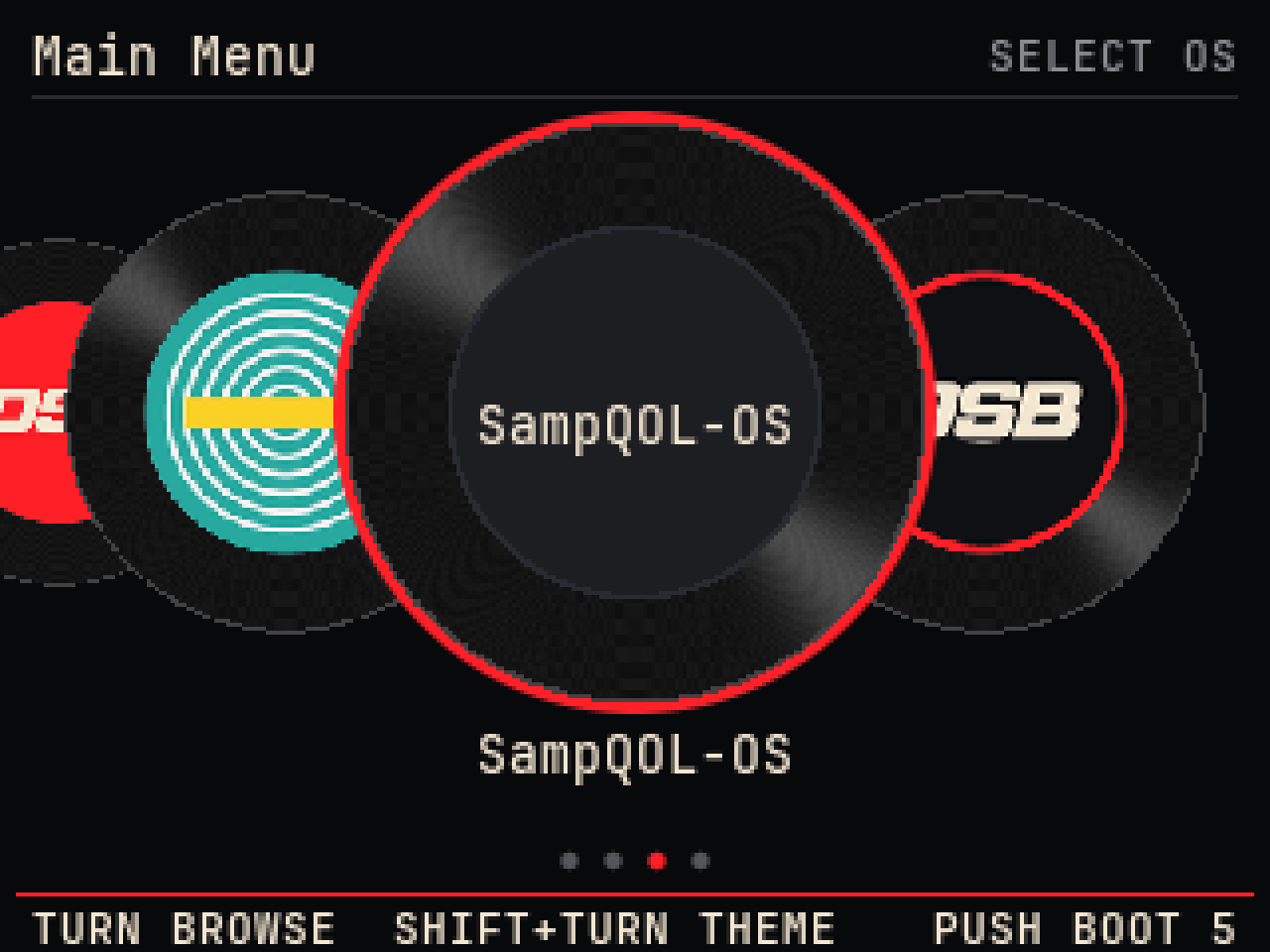
Someone else's OS
SampQOL OS on the menu, dropped in as its own unchanged release.
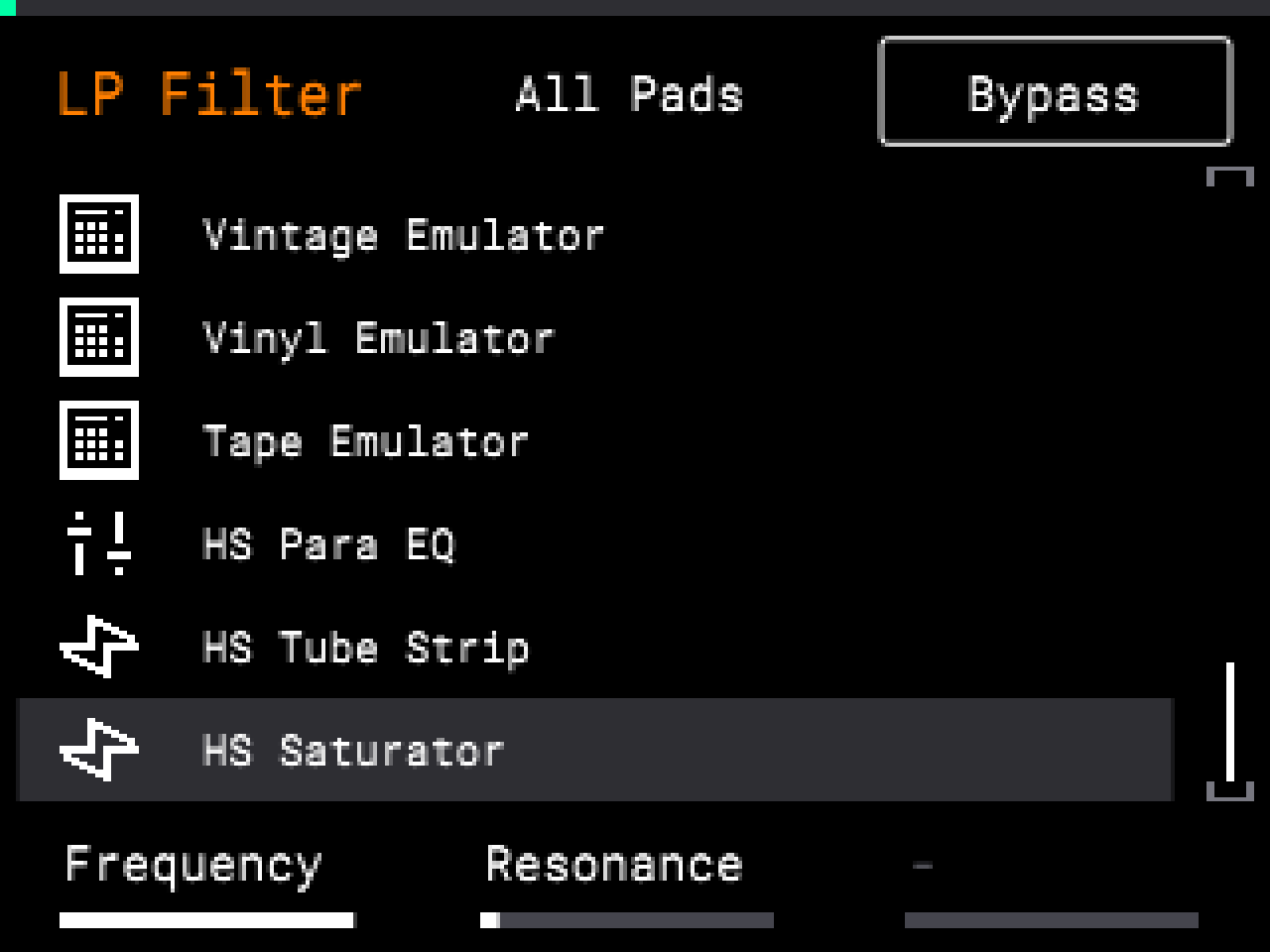
HS FX on stock
The three HS effects at the end of the stock Knob FX list.
Install
- Put your SD card in your computer. Copy everything on it to a folder on your computer. That's your backup.
- Download dsb-boot-card.zip. Double-click it. You get a folder called autorun.
- Open the SD card. Is there already a folder called autorun on it? Rename it to autorun-old. Nothing there? Skip this step.
- Drag the new autorun folder onto the SD card. Put it straight on the card, not inside another folder.
- Did you make autorun-old? Open the new autorun folder, then the os folder inside it. Drag autorun-old in there. Rename it to the OS's name, for example SampQOL-OS. Now it's on the menu.
- Eject the card. Put it in the MPC. Switch on.
Use it
Add an OS
- Download the OS from the person who made it. The community list has the links.
- Unzip it. Find the folder called autorun. Don't open it or change anything in it.
- On the SD card, open autorun, then os. Drag that folder in.
- Rename the folder you just dragged in to the OS's name, for example SampQOL-OS. Only rename the folder. Never rename the files inside it.
- Switch on. It's on the menu.
Want the full nine effects and the mixing tools? Make D.S.B with the installer, then add its autorun folder the same way.
Built an OS? Give it a face on the menu. Add dsb-record.png (square, 128 × 128, art inside the centre circle) and dsb-record.txt (line one the name, line two the version) to your release folder. Without them the menu shows your folder name. Your art stays yours.
D.S.B Boot runs other systems the way SampleBoot by Alessandro "Paxi" D'Esposito does, and follows his open code for that part. Menu screens here are emulator captures. The card passed a cold boot on my own Sample on 18 Nov 2026.
HS Tools
Released · FreeHardware tested 15 Nov 2026The tools with no SampQOL. For a Sample on stock firmware 1.3.0.
Built by others
I didn't get here alone. D.S.B runs on top of one of these and learned from the rest. Every project below is someone else's work. Go to them for their downloads, their manuals and their support. If you use one, tell them. Each image is that project's own.

SampQOL OS
Snare Bes · Free · Public betaThe one D.S.B is built on. Up to 16 drum tracks, a mixer, EQ, Chop Mode and a MIDI keyboard with scales and chords. Start here.
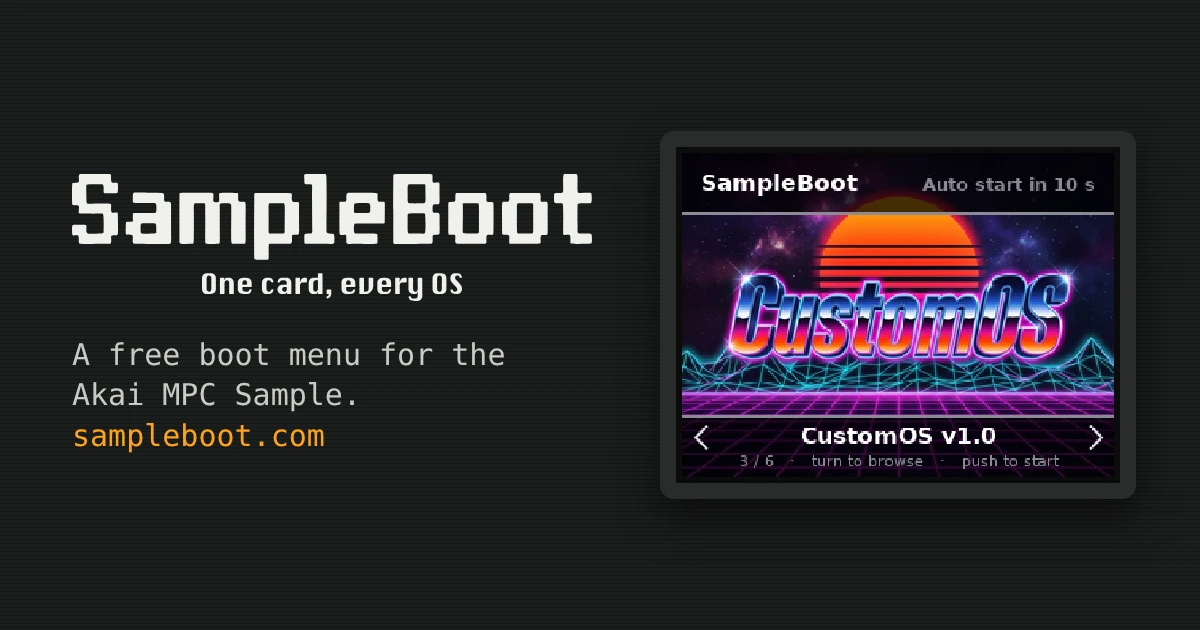
SampleBoot
Alessandro "Paxi" D'Esposito · FreeA boot menu. One SD card holds stock and several custom systems, picked at power-on.
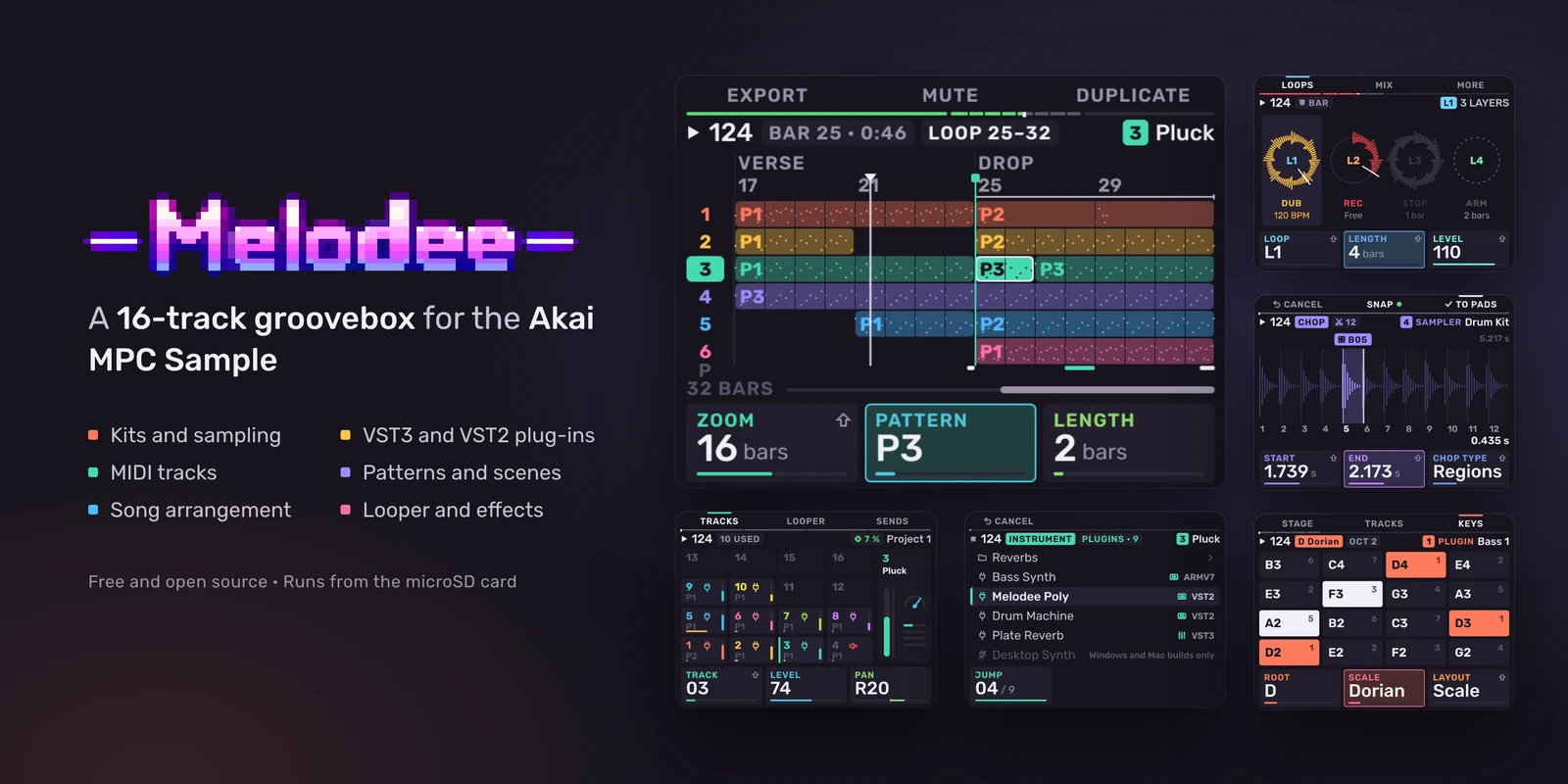
Melodee
Kerem Kiliç · FreeA 16-track groovebox. Tracks can be kits, sampled instruments, plugin instruments or MIDI.
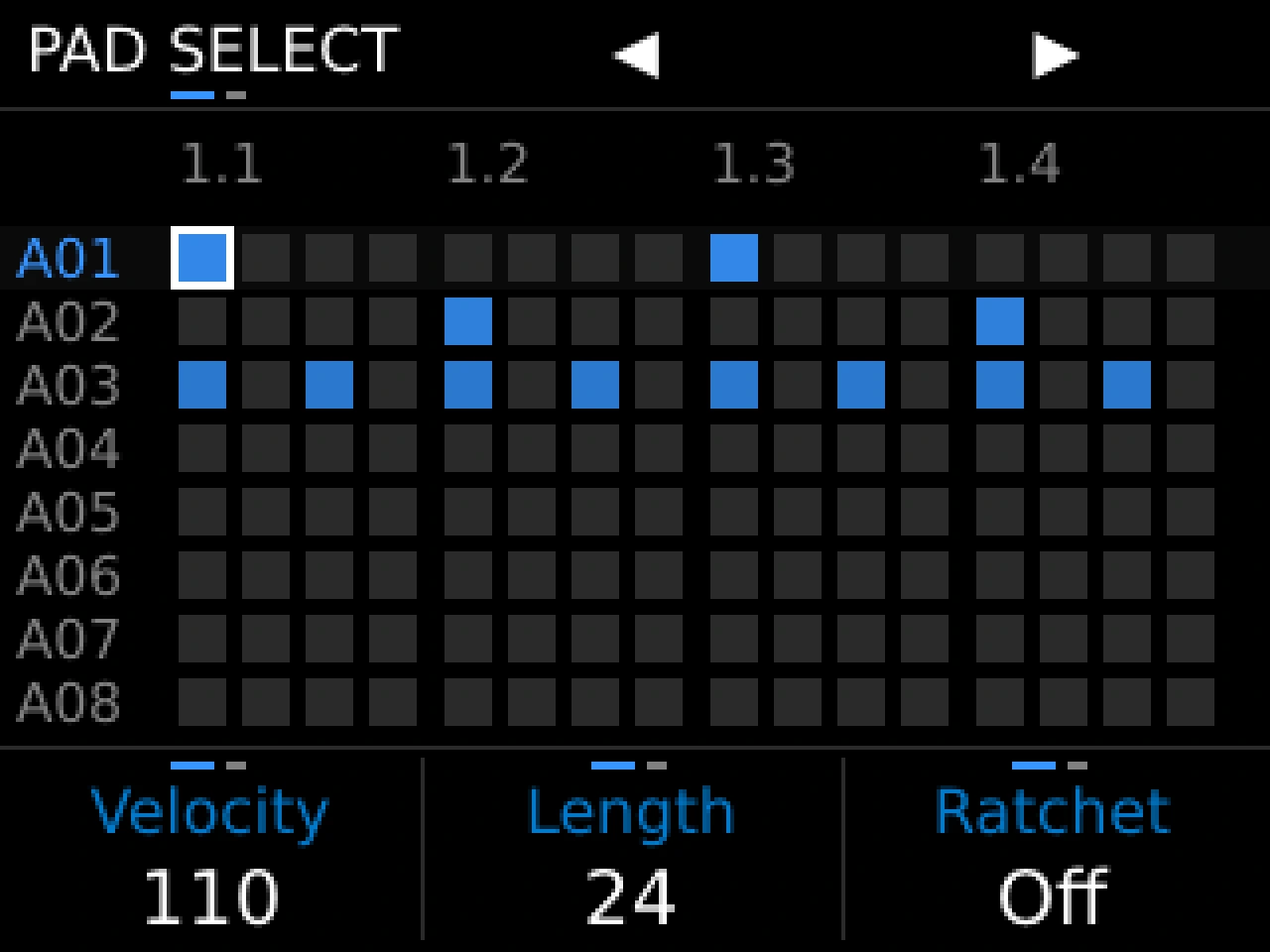
MPC Simple
mpcsimple.com · Free · BetaWritten from scratch to bring back the classic MPC workflow of the 60, 3000, 2000XL, 1000 and 2500.
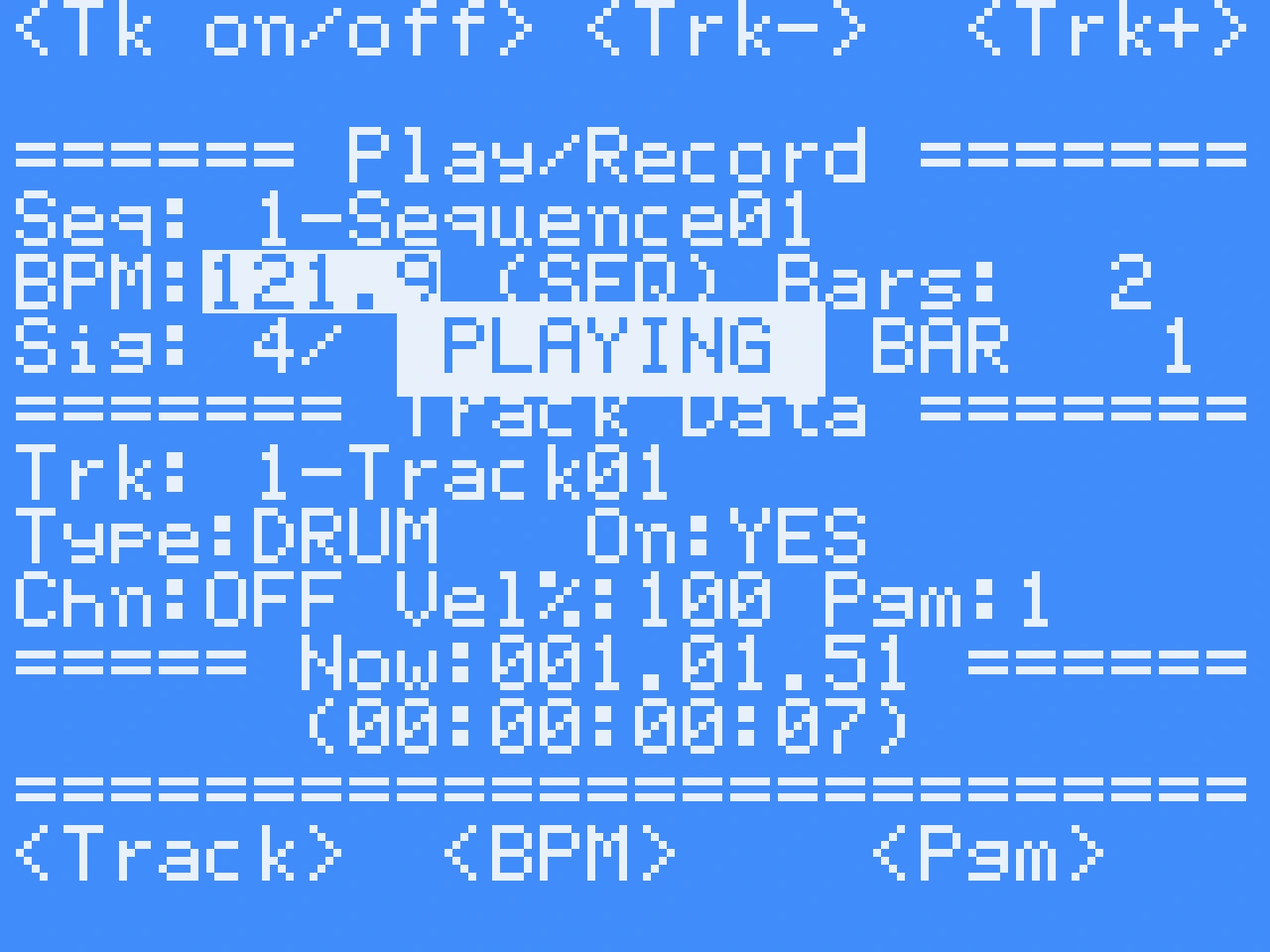
MPC 600 S
Lanny C · FreeA sampler and sequencer system based on the MPC 3000 design.
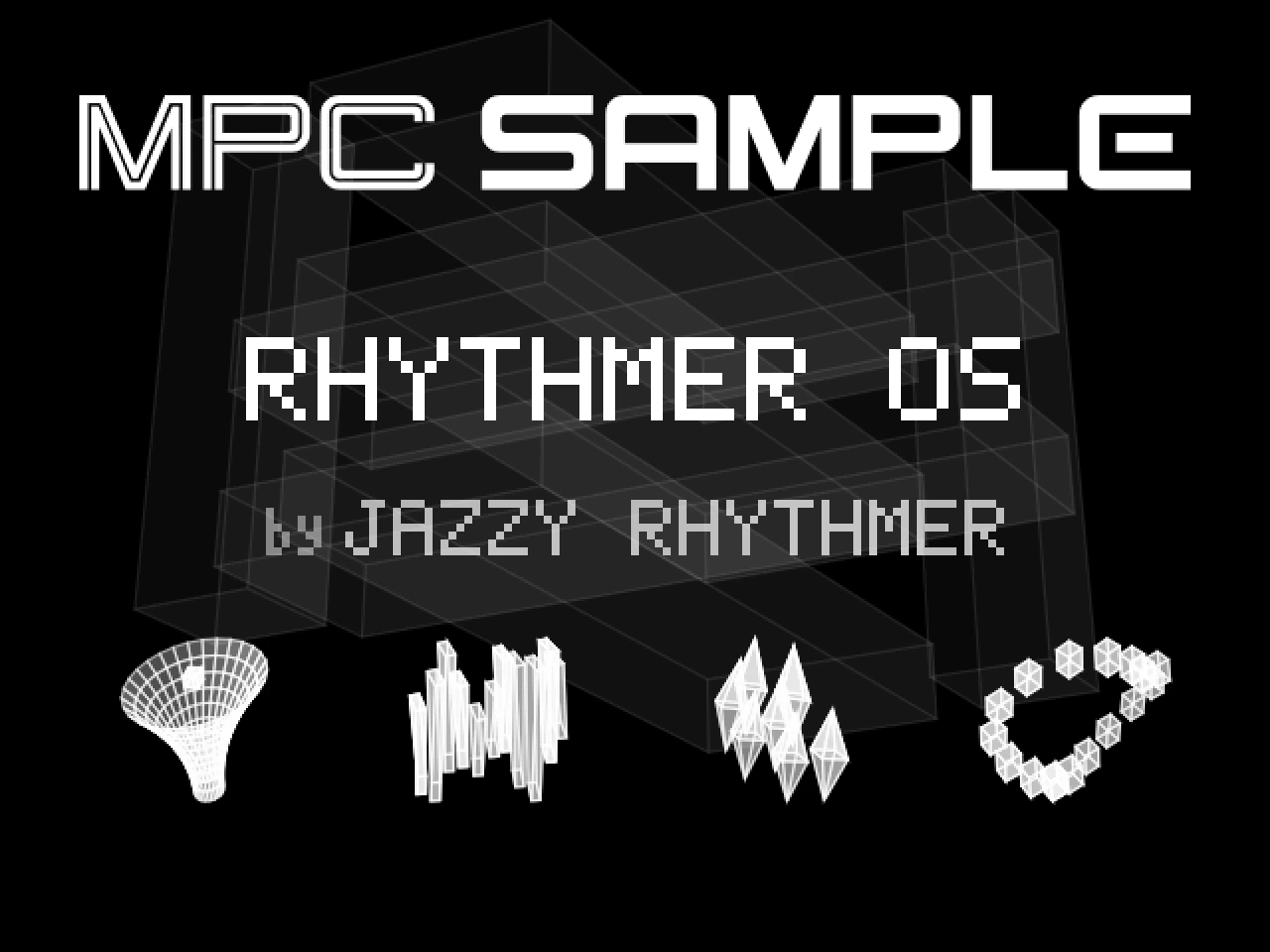
RHYTHMER OS
Jazzy Rhythmer · Free · Early betaA groovebox with synth engines, drum kits and chopped-break tools. Built on Melodee.
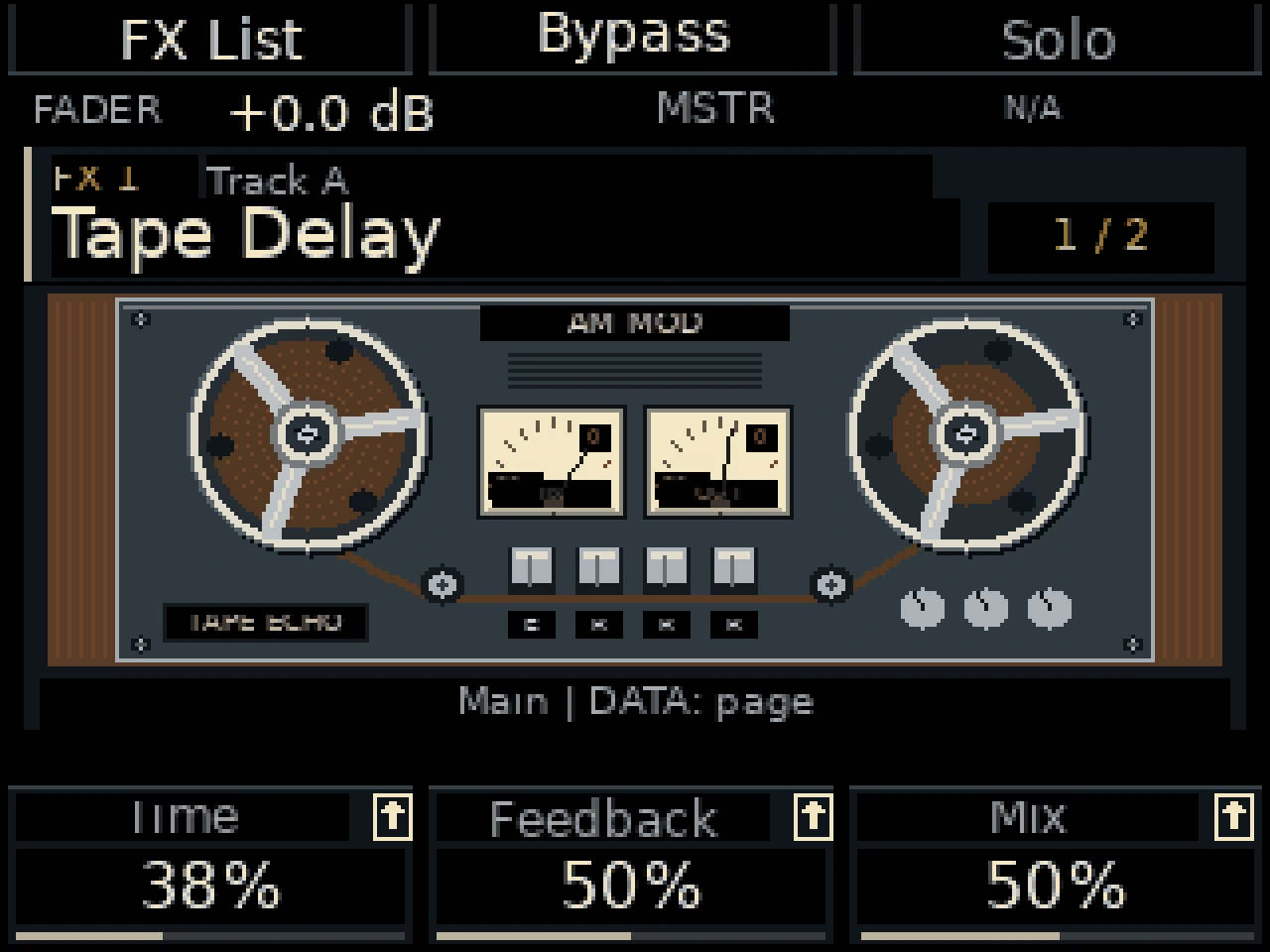
AM Mod
AlekseyMalykh · FreeA track mixer, effects and multichannel USB audio.
GRIDZILLA
TechMasterFlex and The Sound Factory NJ · FreeInstruments, MIDI editing, mixing and effect automation.
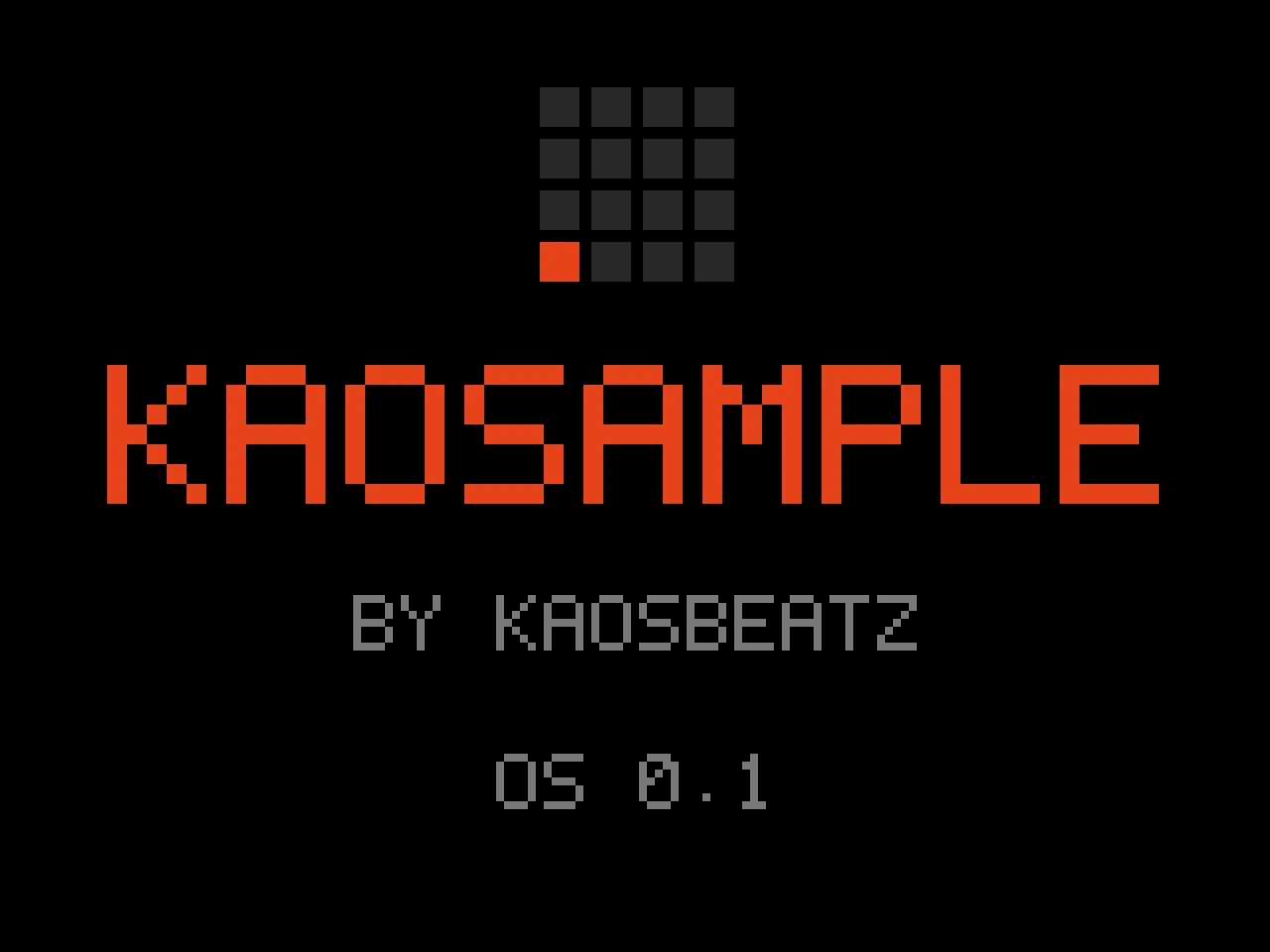
KAOSAMPLE
kaosbeatz · Free · Public betaAdd-on tools on the stock app: stems, a looper, auto-kit and a master EQ.
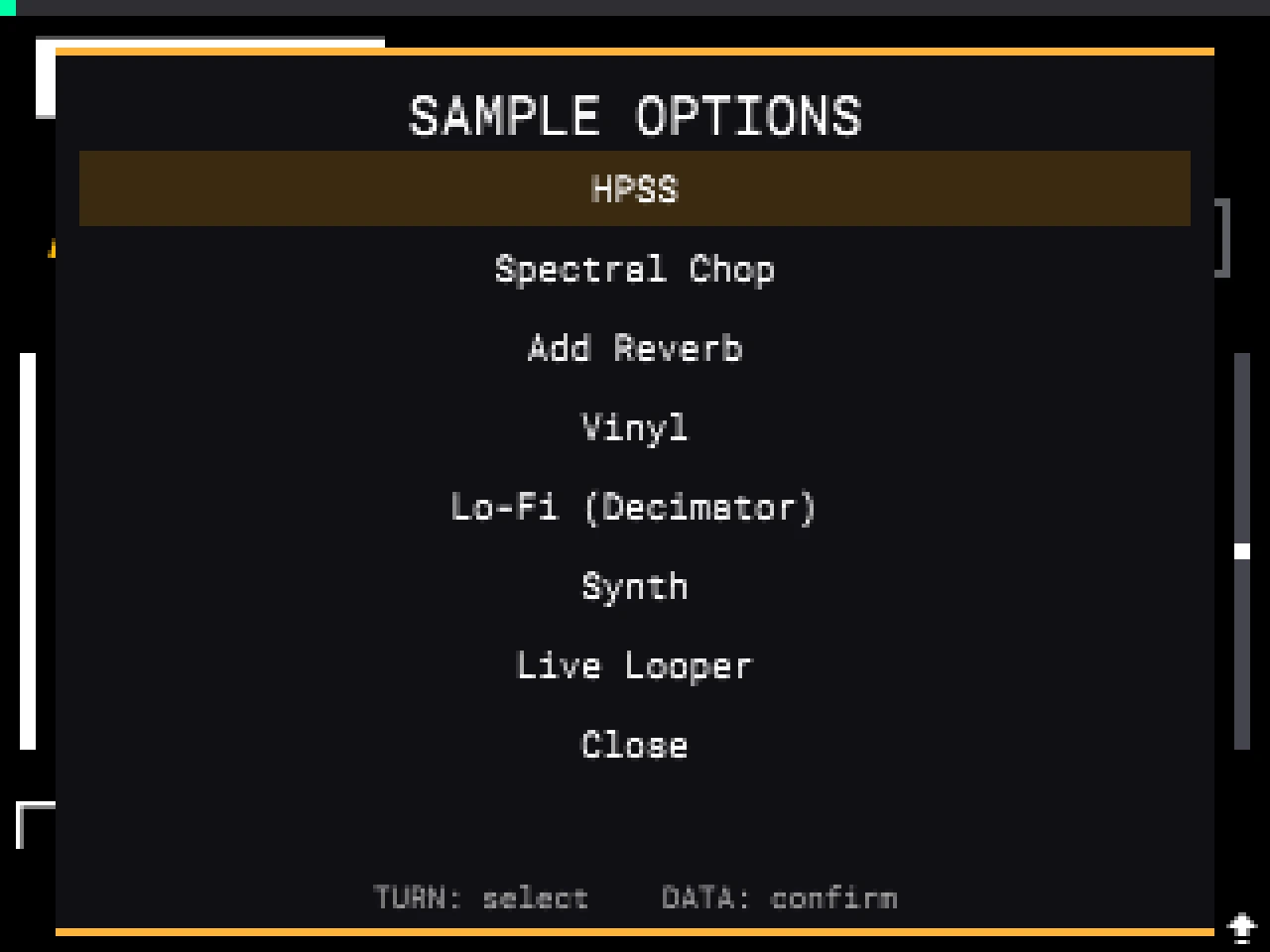
mpc-minimod
ioma8 · FreeA minimal mod: autotrim and a 16-level octave shift.
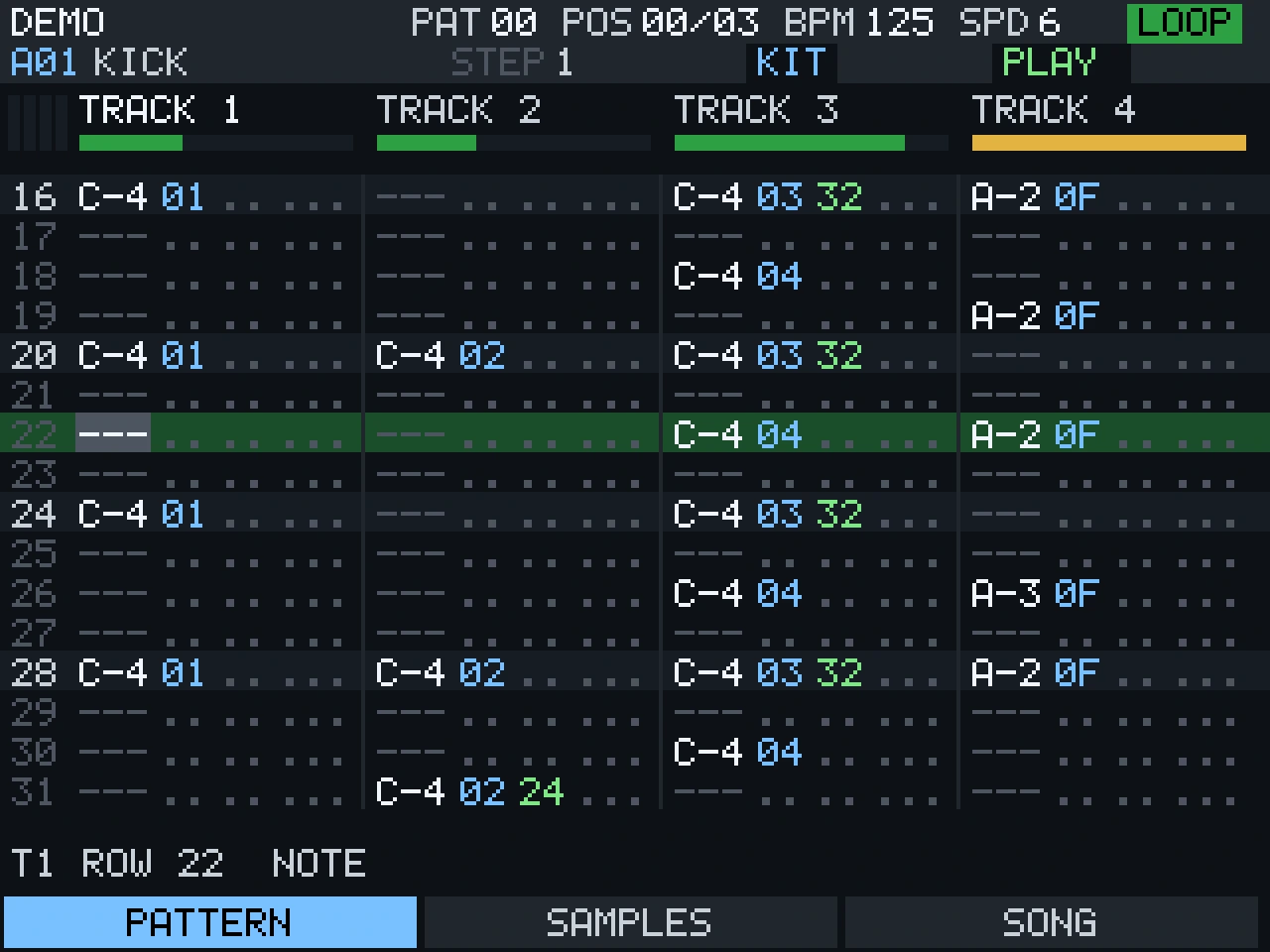
MPCTRACKER
jeffwebb-to · Free · EarlyA pattern tracker in the ProTracker tradition. Plays .mod files.
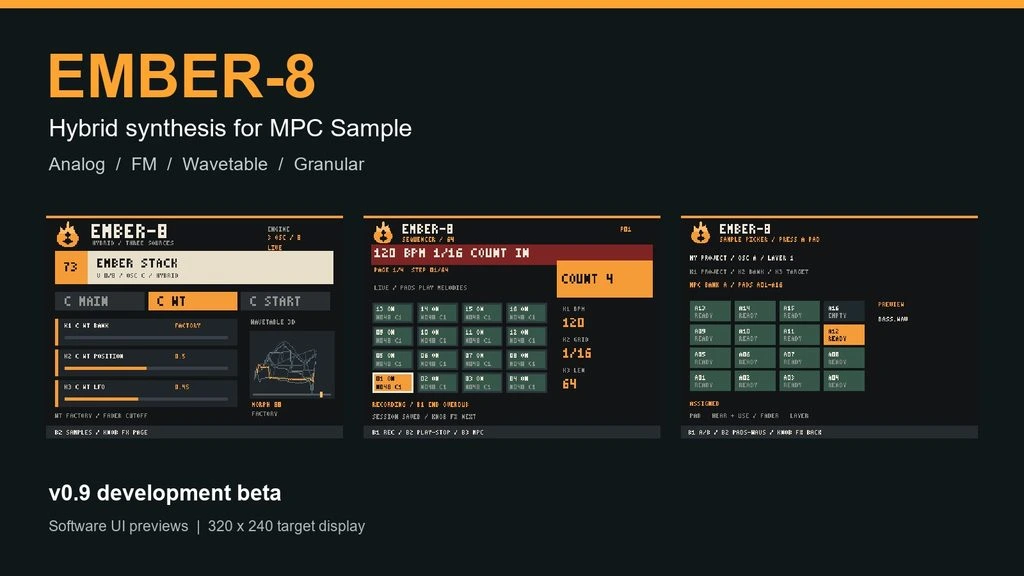
EMBER-8
Beatsofthings · Pay what you want · BetaA hybrid synth with eight voices and a 64-step sequencer.
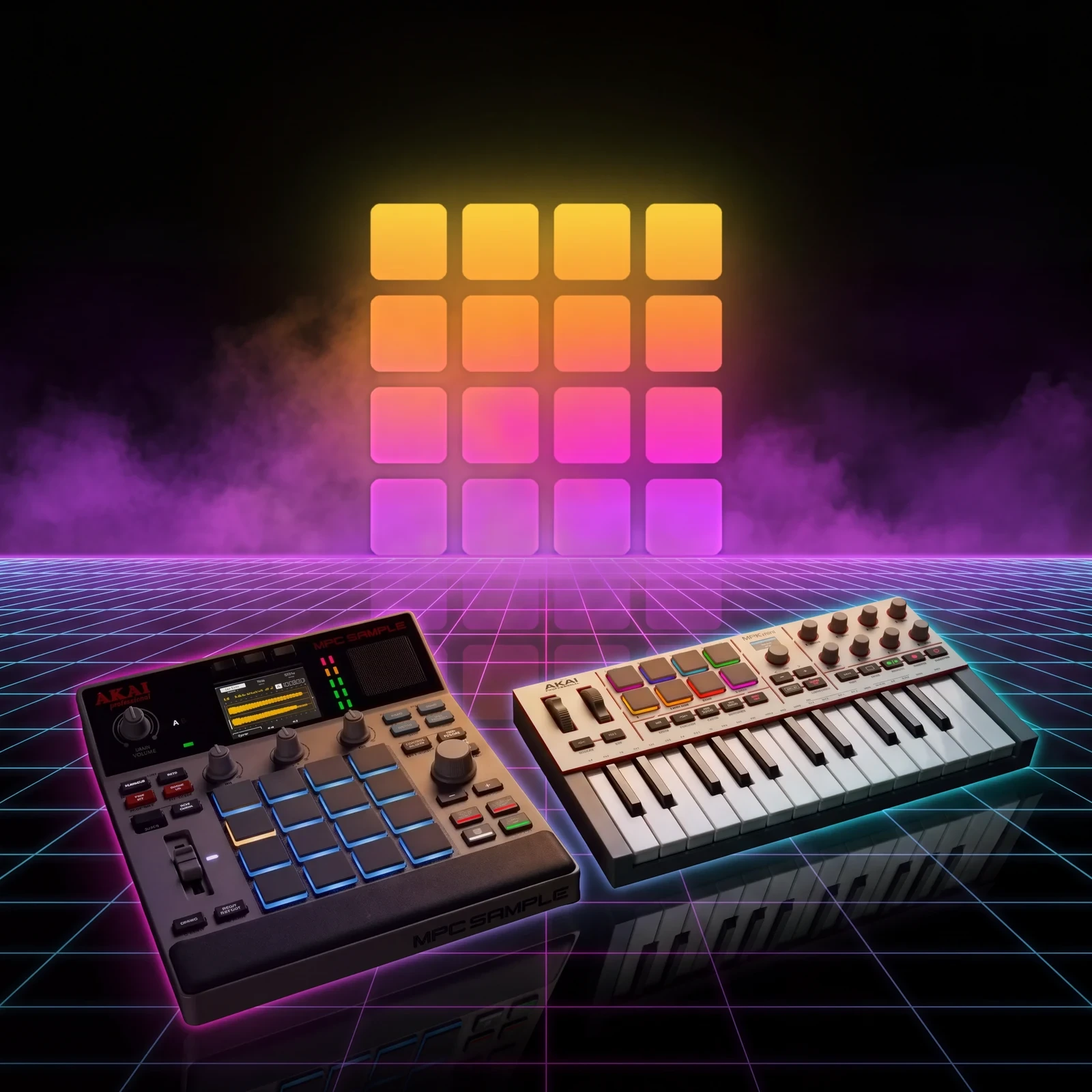
NOISEWAVE HA
Hans · Coming soonTen instruments and a live looper. Early-access signup is open.
mpc-sample-root-ssh
orrpunk-art · FreeFor builders. Published how the Sample checks its card, which opened the door for the rest of us.
samplemods.com
2wenty2wo · Community catalogueThe full list. Mods, apps, games, tools and guides, kept by the community.
Every project here is unofficial and built for firmware 1.3.0.12. Read each author's notes and back up your card before you try one.
Built something for the Sample that isn't here? Open an issue and I'll add it.
Unofficial. Not made, endorsed or supported by Akai Professional, inMusic or any author listed here. I haven't tested D.S.B alongside every project on this page. Akai Professional, MPC and MPC Sample are trademarks of inMusic Brands, Inc.