
MPC Sample Build Log
The MPC Sample on my desk doesn't boot the way Akai shipped it. This page is the home for everything I build for it. It's free. It runs from the SD card. Pull the card and the Sample is stock again.
v0.8.0 · 18 Nov 2026Hardware testedFree · MIT
Start here
D.S.B: Drums. Sample. Bass.
Every effect and every tool, with screens. What you need and how to install it.
D.S.B Boot, tools, community
The free boot menu: any OS, or stock with three HS effects. Plus every custom OS other people have built, with links.
Two MPCs. Neither One Stock.
The bench log. What runs, what broke, and why I started.
Build update
18 November 2026. D.S.B v0.8.0 is out. It runs on SampQOL OS 0.3.0, the latest. The installer output cold-booted on my own Sample and passed every check: boot, insert menu, editors, presets, mixer, EQ grid, SEQ desk and meters, browser tags, Stems and an old project.
Release history
DSB Remote coming soon
A phone app that plugs into the Sample over USB-C. Tap the drawing of the Sample and the real button presses. Fire shortcuts, play pads, turn knobs and change what each control sends. In beta testing now.
Coming soonAndroid firstNeeds D.S.B on the card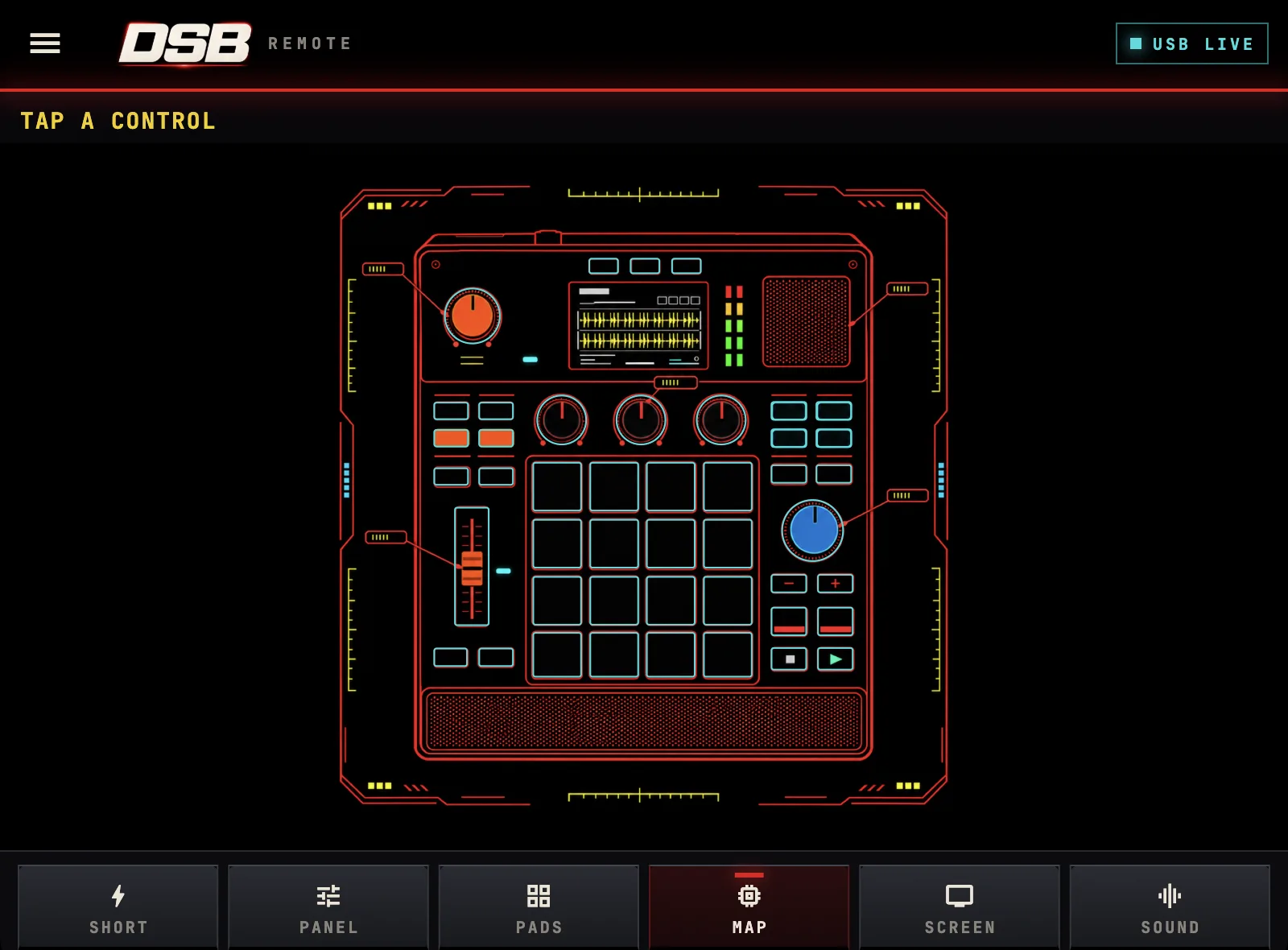
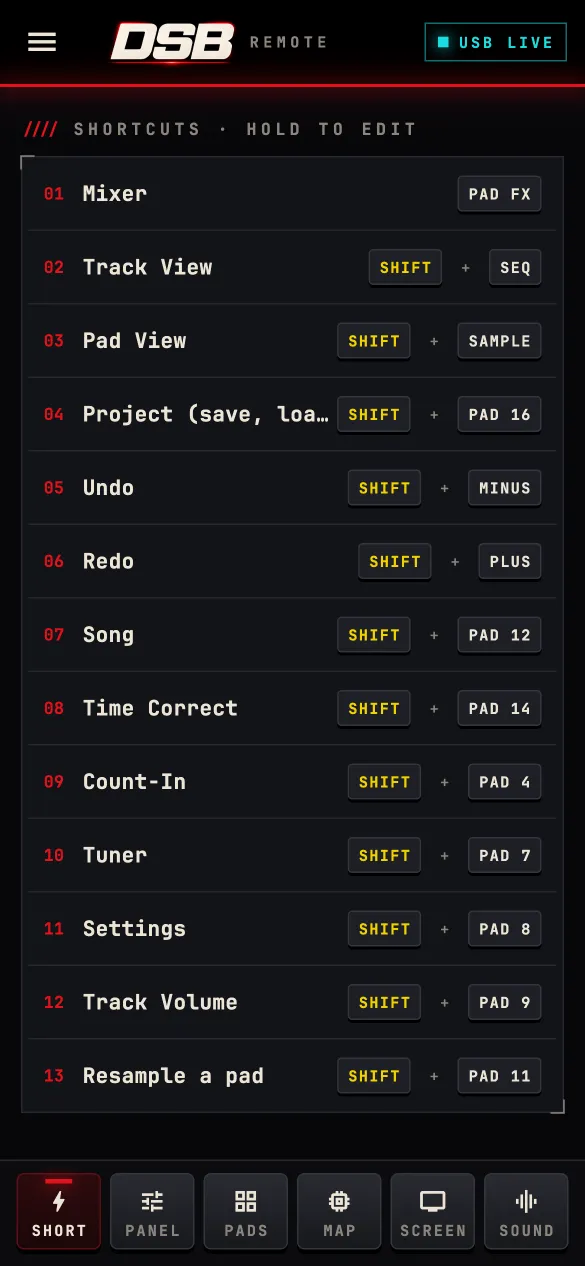
Shortcuts
SHORT tabOne tap for the SHIFT combos: Mixer, Track View, Undo, Save and more. Hold a row to change what it does.
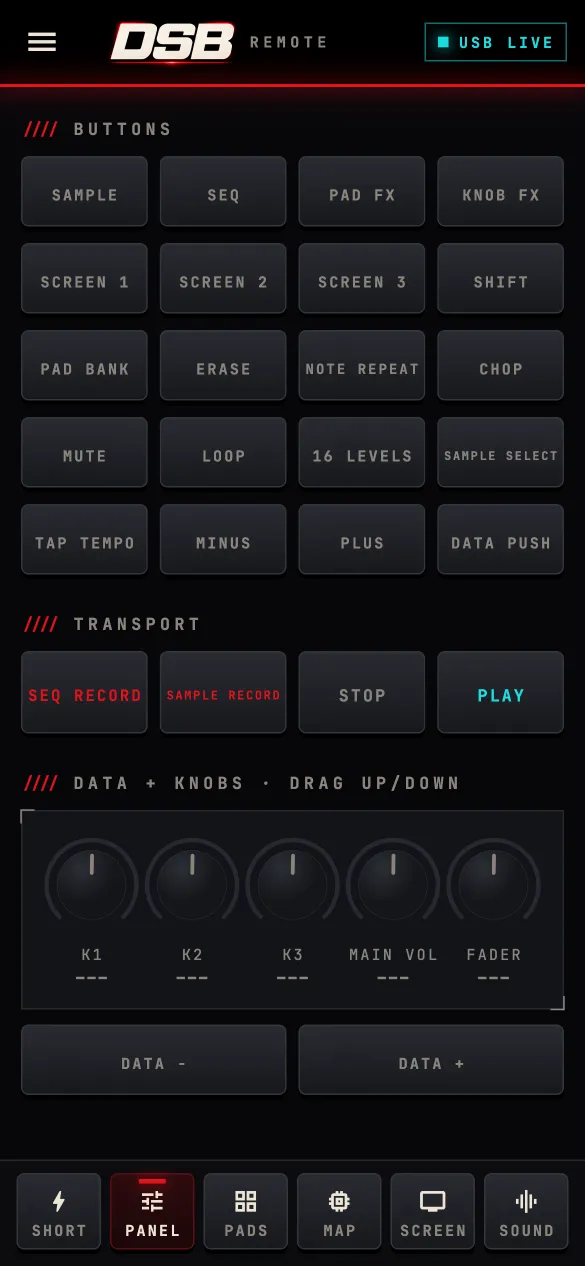
Panel
PANEL tabEvery button on the Sample plus transport. Drag the knobs up or down for K1 to K3, main volume and the fader.
Pads
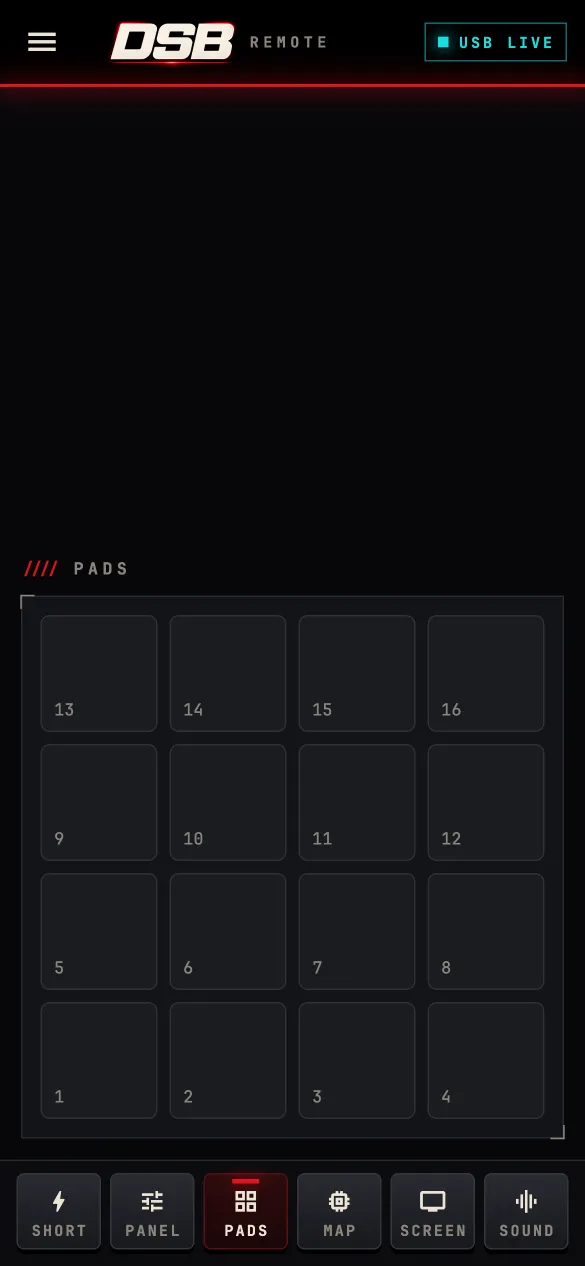
PADS tabSixteen pads, laid out like the Sample's own. Tap one and it plays on the unit.
Map
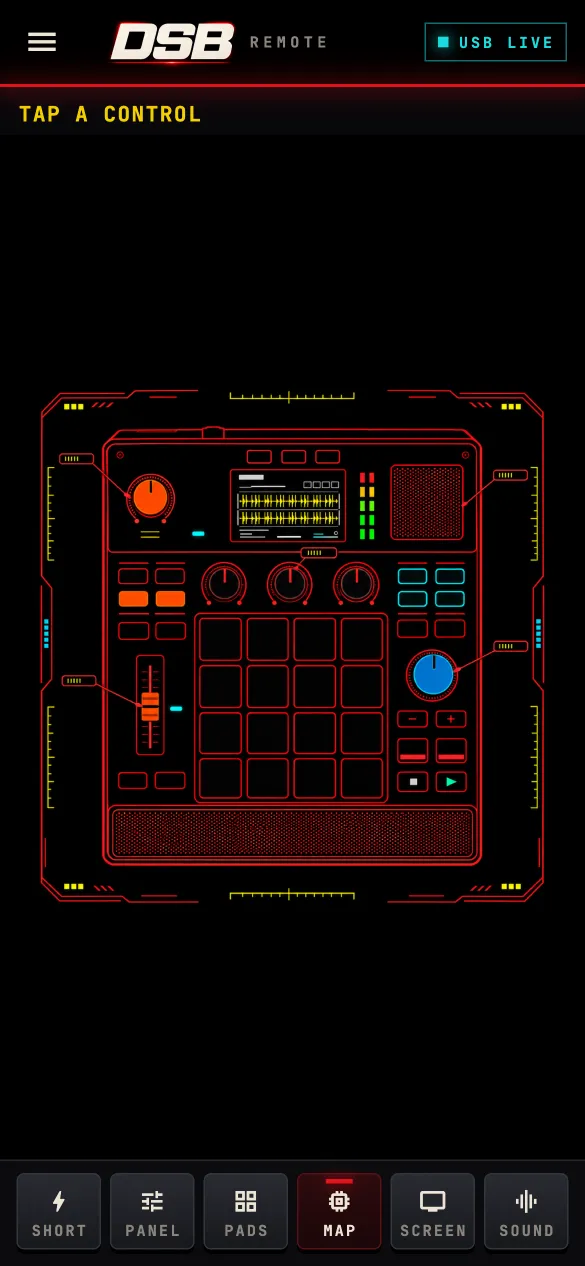
MAP tabA line drawing of the Sample. Tap any control on it and the real one presses.
Mapping
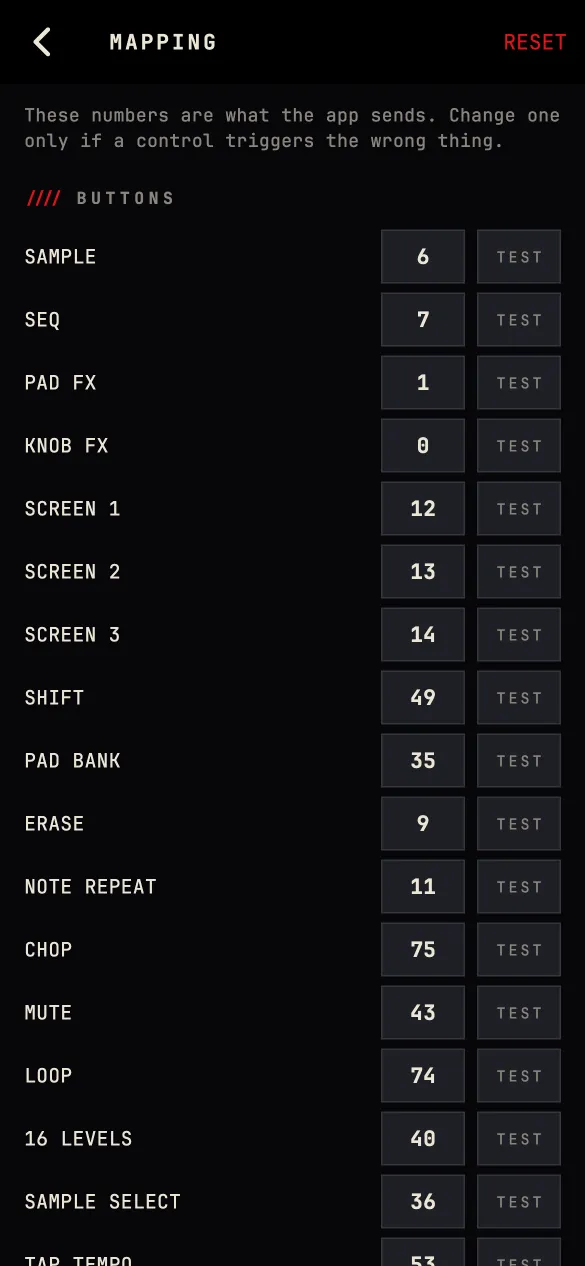
Side menuSee the number each control sends. Change one if it triggers the wrong thing, tap TEST to check it, reset any time.
On the bench
Built and running on my own unit. Not released. No dates until each one passes on hardware.
D.S.B workstation modeMore effectsUnofficial. Not made, endorsed or supported by Akai Professional, inMusic or the SampQOL author. Akai Professional, MPC and MPC Sample are trademarks of inMusic Brands, Inc.