
HS 25 OS
Bring the MPC 2500 workflow to the Akai MPC Sample. Jump from a pad to the screen you need, chop a break, or load a 2000XL kit with its sounds. Build the beat and arrange it from the hardware.
Private testingRuns from SD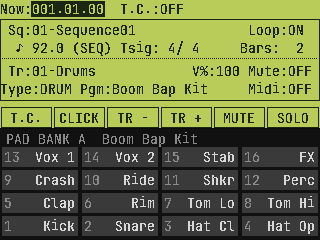
Classic controls on the Sample
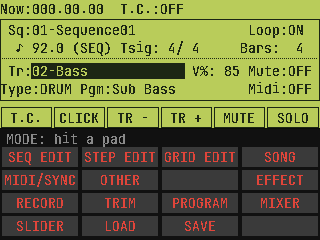
Press MODE. Hit a pad.
Open TRIM, PROGRAM, MIXER, Grid Edit or Song from the pad grid. Use Track Mute and Next Seq to try an arrangement as it plays.
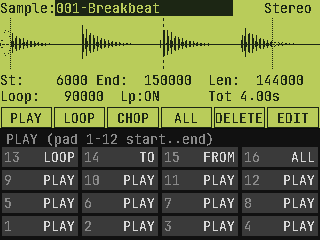
Chop the break on the box
Record or resample, trim the take, then spread slices across the pads. Use 16 Levels to play tuned basslines or add velocity variation.
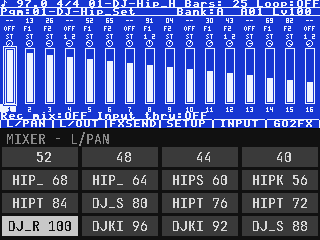
Switch to Large LCD
Keep the classic field layout in Standard or switch to Large for more room on supported screens. Assign the fader and knobs to Q-Link controls.
Screens are software previews.
Bring a 2000XL kit
Try loading a 2000XL PGM with its companion SND or WAV files. Start with a copy and check pad assignments, tuning and loop points after import. This is one of the workflows we want testers to try on hardware.