
D.S.B OS
Split a sample into stems, record a beat and mix it on the Akai MPC Sample. D.S.B OS is a standalone system that boots from an SD card, with a 16-track mixer, effects and tools for turning ideas into patterns.
Private testingRuns from SD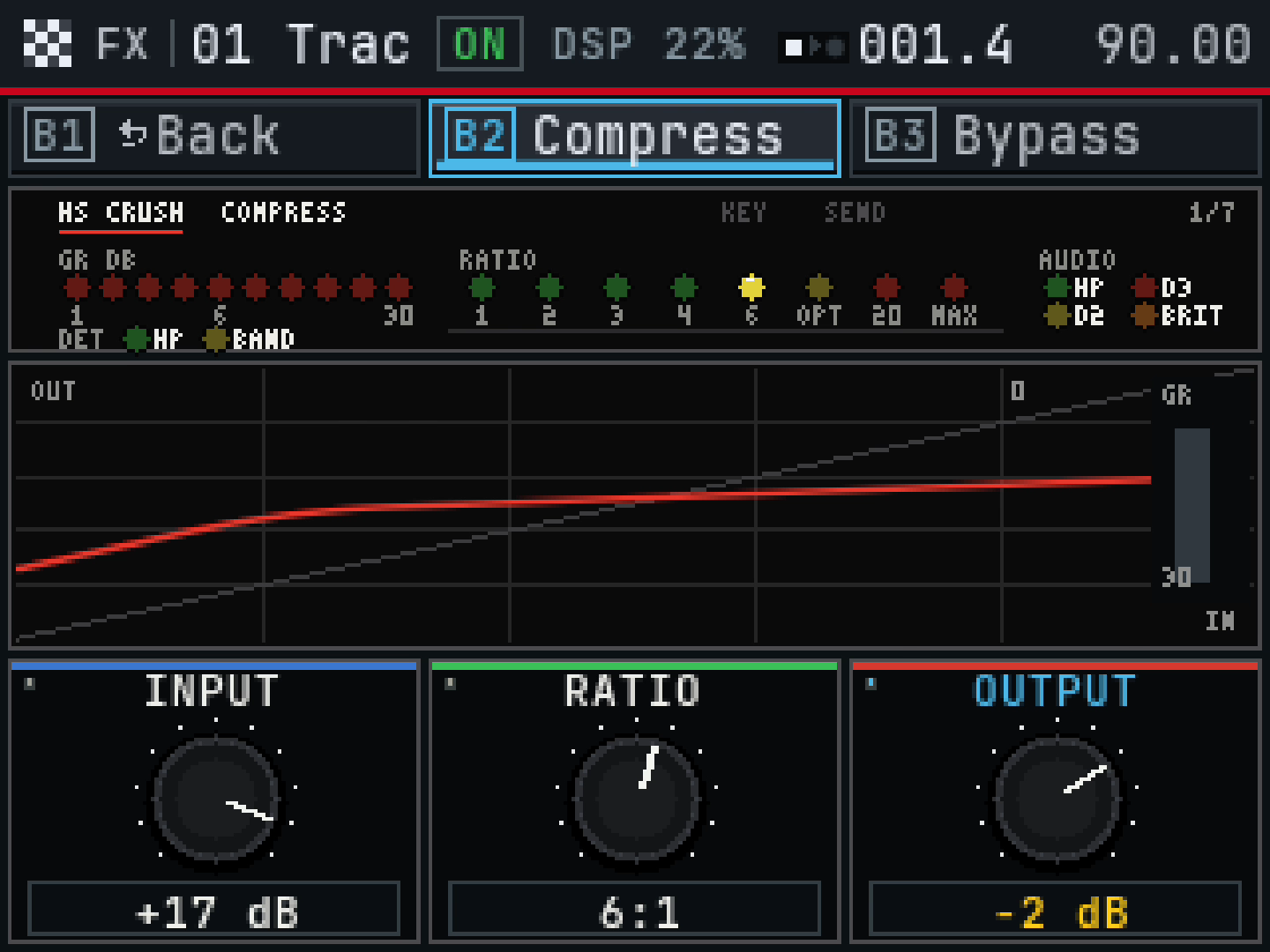
From a sample to a mix
Pull the drums out of a record
Separate a sample into drums, bass, vocals and other audio on the Sample. Then trim, chop or resample the parts you want to keep.
Hum a line. Play it back as notes.
Capture a single-note melody with Hum to Notes. Local voice commands in the tester build can set the tempo, start playback or load a sound from the project pool.
Route it like a desk
Mix across 16 tracks with groups, sends, returns and sidechain routing. Shape individual tracks with HS inserts and process the stereo master.
Make your first beat
- Choose D.S.B in HS Boot. Hold SHIFT and tap pad 16 to open Project. Start a new project and give it a name with Save As.
- Tap an empty pad and press SAMPLE SELECT. Find a WAV with the DATA dial and press the dial to load it. Repeat for a few sounds.
- Press SEQ RECORD, then PLAY, and record a short pattern. Stop and play it back.
- Open Project again and press B2 (Save). Reopen the project and check that the sequence plays with the same sounds.
Tester build
You’ll needAn Akai MPC Sample on stock firmware 1.3.0.12 and a spare exFAT SD card. The combined card also includes HS 25 and a Stock option.
Hardware checkAn earlier build passed boot, transport and navigation on one unit. The current candidate needs checks for cold boot, audio, project save and reload, and the newer tools.
Using SampQOL?See the D.S.B effects and tools page for the SampQOL edition.